
Published
Jan 17, 2026
The Free Employee Scheduling Template That Actually Works (Excel + Google Sheets)
Download a free employee scheduling template for Excel and Google Sheets. Track shifts, workers, hours, and clients in one simple spreadsheet.
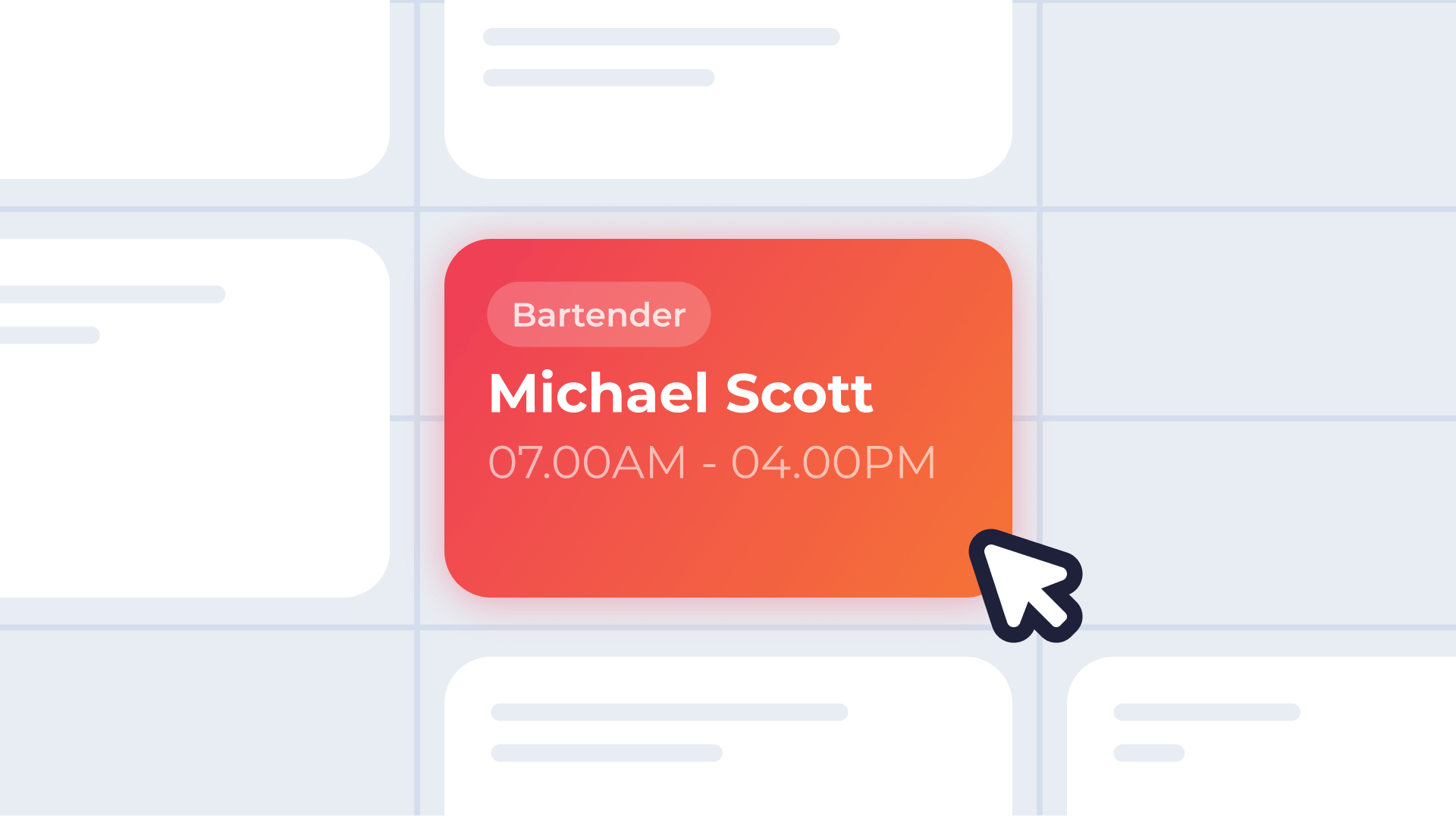
If you're managing a team with spreadsheets, group texts, and a lot of mental math, you already know the pain. Schedules get lost. People forget their shifts. You spend hours every week just figuring out who's working when.
Most free scheduling templates don't help much. They're either too basic to be useful or so complicated that setting them up takes longer than just doing it manually.
We built a different kind of template. It's designed for teams that need to track shifts, workers, hours, and clients in one place. It works in both Excel and Google Sheets. And it's free.
This post walks you through what's inside the template, how to use each tab, and when it makes sense to upgrade to something more powerful.
What's Inside the Template
The template has four tabs that work together to give you a complete picture of your schedule:
- Schedule is your main weekly view. This is where you see which workers are assigned to which shifts on which days. Each entry shows the shift time, the role, and the client.
- Shifts is your shift library. You define your standard shifts here with start times, end times, and roles. The template automatically calculates paid hours for each shift, including overnight shifts that cross midnight.
- Workers is your team roster. You add each worker's name, hourly rate, and overtime limit. This feeds into the schedule tab so you can see labor costs at a glance.
- Clients is your client list. If you're running shifts for different clients or events, this tab lets you track which work goes where. Helpful for billing, reporting, or just staying organized.
How to Use Each Tab
Schedule Tab
This is where you'll spend most of your time. The layout shows workers down the left side and days of the week across the top.
Start by setting your period start date at the top. The template automatically fills in the dates for the rest of the week.
For each worker, you can enter their shift time, their role for that shift, and which client the shift is for. The template pulls from your Shifts, Workers, and Clients tabs, so everything stays consistent.
At a glance, you can see your full week. You'll know who's working, when they're working, what they're doing, and who they're doing it for.
Shifts Tab
Before you start scheduling, define the shifts your team typically works.
Enter the start time and end time for each shift. The template calculates the paid hours automatically. This works even for overnight shifts. If someone starts at 8 PM and ends at 4 AM, the formula handles it correctly.
You can also list out shift skillsets or roles here. Server, bartender, manager, medical support, supervisor, whatever applies to your operation. This becomes a reference when you're filling in the schedule.
Workers Tab
Add everyone on your team to this tab.
For each worker, enter their name, hourly rate, and overtime limit. The overtime limit is typically 40 hours, but you can adjust it if certain workers have different arrangements.
This information connects to the schedule tab, so you can see total hours and estimated pay for each worker without switching between spreadsheets.
Clients Tab
If you're scheduling shifts for multiple clients or events, this tab keeps everything organized.
Simply list out your clients. When you're filling in the schedule, you'll reference these names to indicate which client each shift is for.
This is especially useful if you need to invoice clients separately or report on how many hours were worked for each one.
What This Template Does Well
This template solves a real problem. It gives you a single place to see your entire week, track who's working, calculate hours, and organize shifts by client.
A few things it handles particularly well:
- Weekly visibility. Instead of piecing together information from texts, emails, and notes, you can see everything in one view.
- Automatic hour calculations. The formulas handle the math for you, including tricky overnight shifts. No more manual adding.
- Client tracking. If you bill by client or just need to know where your labor is going, this is baked in from the start.
- Flexibility. It works in Excel or Google Sheets. You can customize it for your team size, your shift types, and your workflow.
Where It Hits Its Limits
A spreadsheet is a great starting point, but it has real limitations once your operation grows.
No notifications. Your workers can't see the schedule unless you send it to them. If something changes, you have to manually reach out.
No self-service. Workers can't request shifts, swap with each other, or update their availability without going through you.
No time tracking. The template helps you plan the schedule, but tracking actual hours worked is a separate process.
No payroll connection. You'll still need to export data and enter it into your payroll system manually.
Manual updates. Every change requires you to open the spreadsheet, make the edit, and re-share. For fast-moving operations, this gets old quickly.
If you're scheduling a handful of people for predictable shifts, the template works great. If you're managing a larger team, dealing with last-minute changes, or spending too much time on admin, you'll eventually need something built for the job.
When to Upgrade
The template is designed to be a useful stopgap. It gets you organized and gives you visibility into your schedule without paying for software.
But there's a point where spreadsheets start costing you more time than they save.
If you're spending hours every week on scheduling, if you're constantly chasing people down about their shifts, or if you're manually entering hours into payroll, it might be time to look at a purpose-built solution.
Roosted handles scheduling, time tracking, payroll integration, and worker communication in one platform. Shifts get assigned automatically based on qualifications and availability. Workers get notified instantly. Hours flow directly to payroll.
You can keep using the template for as long as it works for you. When you're ready for more, we're here.
Download the Template
The Employee Scheduling Template is free and works in both Excel and Google Sheets.


