Never Miss a Shift Again
Automated shift reminders, check-in bots, group announcements, and real-time notifications. Roosted cuts scheduling back-and-forth by 80%+.
Your Workforce Is on the Move, Not at a Desk
Your workers aren't sitting at desks refreshing their email. They're bartenders, stagehands, nurses, and security guards spread across a city, working multiple gigs. If they don't get the right shift details at the right time through the right channel, they don't show up. And when they don't show up, you're scrambling to fill gaps with 30 minutes to spare.
Multiple Touchpoints, Zero Extra Work on Your End
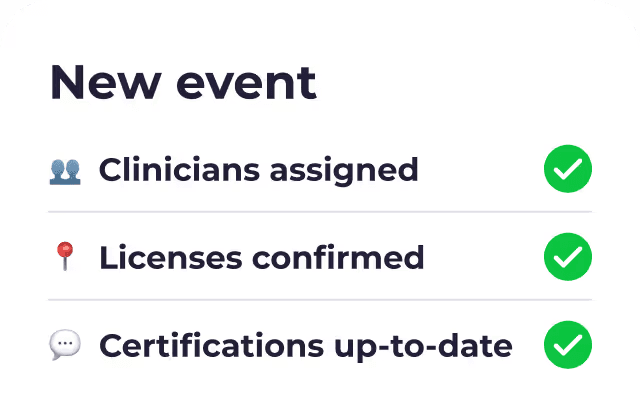
Most scheduling tools send a single notification and hope for the best. Roosted layers multiple automated touchpoints on top of each other so that every shift is confirmed well before it starts, without adding work to your plate.
The No-Show Problem Starts with Communication
Why No-Shows Happen
Why On-Demand Staffing Makes It Worse
How Roosted Stays Ahead of the Problem
Shift Check-In Bot
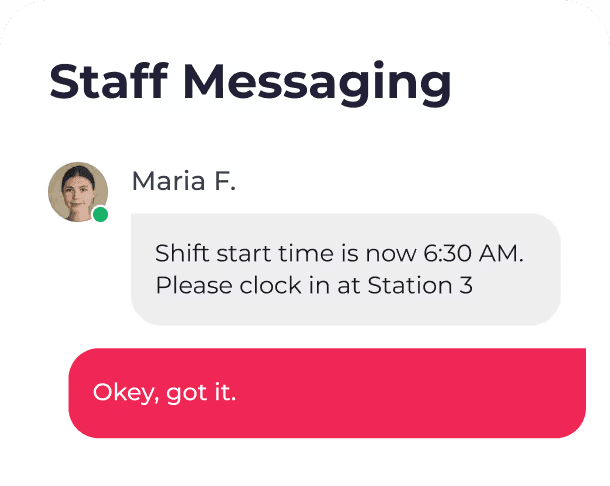
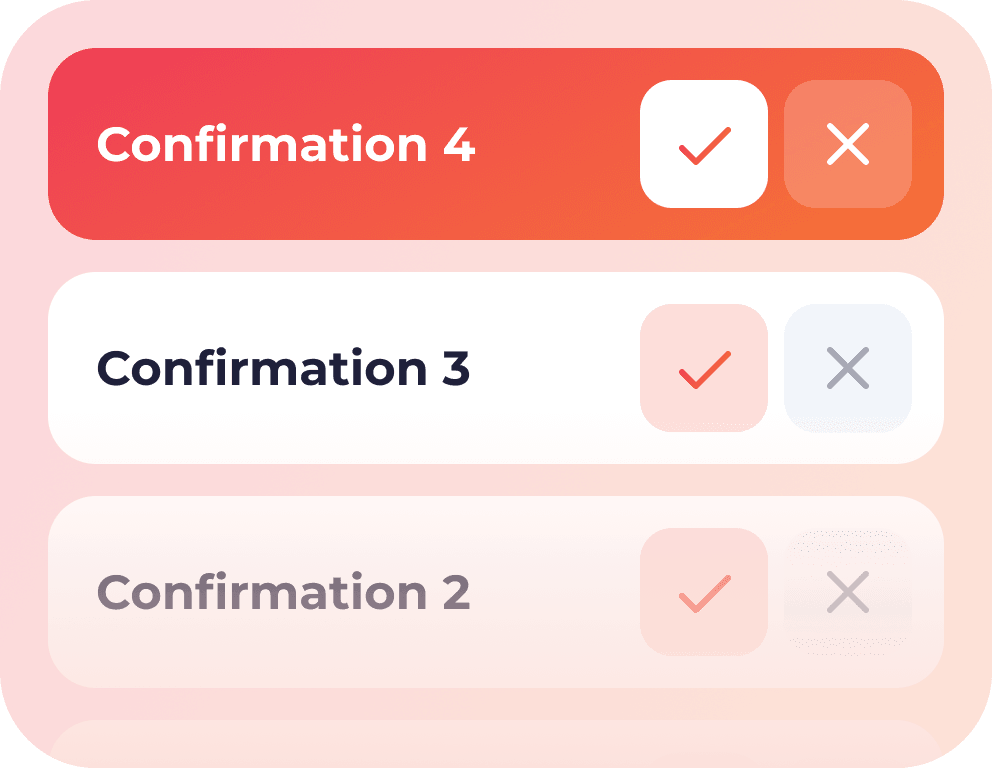
The check-in bot is the most impactful feature in Roosted's communication layer. Rather than sending one reminder and crossing your fingers, Roosted reaches out to workers at multiple admin-configured intervals before each shift.
Setting Up Your Shift Check-in Bot
Here's how it works. Navigate to Configuration > Settings > Worker Communication > Shift Check-in Bot. From there, you'll see your primary check-in settings, plus the option to add additional check-ins. Each one prompts workers to confirm they're still available for their upcoming shift.
A typical setup for an event staffing company might look like this:
Check-In
Timing
Purpose
First
1 week before
Catch early conflicts while there's plenty of time to backfill
Second
1 day before
Confirm commitment as the shift approaches
Third
6-8 hours out
Final confirmation, last chance to flag issues
Workers who can't make it respond immediately, giving admins enough lead time to assign a replacement through Roosted's shift matching. Workers who confirm are locked in, which means no more guessing and no more morning-of surprises.
The check-in bot runs automatically once configured. Admins set the intervals, and Roosted handles the rest.
Automated Shift Notifications
Automatic Notifications at Every Stage
Delivered Through the Channels Workers Already Use

Zero Manual Messages for Admins
Group Announcements
Sometimes you need to communicate beyond individual shift details. A weather delay, a parking change at the venue, a last-minute dress code update, a policy reminder before a big weekend. Roosted's announcement feature lets admins send targeted messages to the right people without blasting the entire workforce pool.
There are three ways to target announcements:
Setting Up Your Shift Check-in Bot
Here's how it works. Navigate to Configuration > Settings > Worker Communication > Shift Check-in Bot. From there, you'll see your primary check-in settings, plus the option to add additional check-ins. Each one prompts workers to confirm they're still available for their upcoming shift.
A typical setup for an event staffing company might look like this:
By skill set
Reach every worker tagged with a specific skill, like all bartenders or all registered nurses.
By group
Message a predefined group, such as everyone assigned to a recurring client or a specific location.
By manual selection
Go to the Workers view, select the individuals you need, click Selected Workers, and choose Send Announcement. Roosted sends only to the workers you picked.
Announcements go out via email, push notification, and text message, depending on your configuration. Every announcement is logged in the Communication Center with the admin who sent it, the delivery type, the subject line, and the full message.
Unknown Messages Received
When a worker replies to a system notification with a text that doesn't match an expected response (like a check-in confirmation), it surfaces here. You'll see the worker's name, the time they sent the message, and the last message the system sent them. This catches the "hey, where do I park?" and "running 10 min late" replies that would otherwise disappear into a phone carrier's void.
Sent Group Messages
A log of every announcement sent through the platform. Each entry shows the timestamp, the sending admin, the delivery type (email, email and push notification/text), the subject line, and the message body. Full audit trail, no digging through inboxes.
Every Channel, One Platform
One Platform, Every Channel
Everything Managed From One Place
Built for On-Demand
Staffing, Not Office Teams
General-purpose scheduling tools treat communication as an afterthought, usually just a single notification toggle buried in settings. That might work when your team of 12 sits in the same office, but it falls apart when you're staffing 200 workers across five events this weekend.
Roosted's communication layer was designed for the specific challenges of on-demand staffing:
Large, flexible pools
Workers who may not hear from you for weeks suddenly need to confirm a shift. The check-in bot re-engages them automatically.
Variable schedules
Shift details change constantly. Automated notifications keep workers current without manual outreach from admins.
Multi-channel reach
Gig workers aren't checking company email. Push notifications, SMS, and email working together ensure the message actually gets through.
Audit and accountability
The Communication Center provides a complete record of what was sent, to whom, and when. That's useful for client reporting, dispute resolution, and operational reviews.