Features: Unlimited E-Signing

Free, Unlimited Document Signing Built Into Roosted

Free, Unlimited Document Signing Built Into Roosted

Free E-Signing Built Into Roosted

  1. Unlimited signatures included with every plan

    Sign W-4s, NDAs, waivers, and onboarding docs directly in Roosted. Every plan includes free, unlimited e-signing at no extra cost.

    Sign W-4s, NDAs, waivers, and onboarding docs directly in Roosted. Every plan includes free, unlimited e-signing at no extra cost.

  2. The Paper Trail Never Stops

    Staffing companies juggle a constant flow of paperwork employment agreements, policy acknowledgments, contractor forms, safety waivers, W-4s, I-9s. The documents stack up fast.

    Staffing companies juggle a constant flow of paperwork employment agreements, policy acknowledgments, contractor forms, safety waivers, W-4s, I-9s. The documents stack up fast.

  3. The Hidden Cost of Standalone Tools

    Most staffing companies pay $20 to $50 per month, per user, for a standalone e-signing tool like DocuSign or HelloSign. Then they spend additional time switching between platforms, manually tracking who signed, and filing completed documents in the right place.

    Most staffing companies pay $20 to $50 per month, per user, for a standalone e-signing tool like DocuSign or HelloSign. Then they spend additional time switching between platforms, manually tracking who signed, and filing completed documents in the right place.

  4. Everything in One Place

    Roosted includes free, unlimited e-signing with every subscription. No per-envelope fees, no add-ons, no third-party integrations required.

    Roosted includes free, unlimited e-signing with every subscription. No per-envelope fees, no add-ons, no third-party integrations required.

Stop Paying Extra for Signatures

The typical e-signing workflow for a staffing company without Roosted looks like this: create a PDF in one tool, email it out through another, wait for responses, follow up with the workers who haven't signed, download the completed copies, rename them, upload them somewhere, and hope you can find them six months later when someone asks.

Multiply that by dozens or hundreds of workers, and document management becomes a full-time job that nobody signed up for.

One Platform, Zero Workflow Headaches

Roosted eliminates every step of that workflow. Documents are built, sent, signed, tracked, and stored in the same platform where you schedule shifts and track hours. One login, one dashboard, zero additional cost.

How E-Signing Works in Roosted

How E-Signing Works in Roosted

The workflow is straightforward and requires no training beyond basic drag-and-drop.

The workflow is straightforward and requires no training beyond basic drag-and-drop.

  1. Build templates

    Upload any PDF (or Word Docx file) and place signature fields, date fields, initials, or text boxes exactly where you need them. You can also require signatures from HR staff or third parties on specific documents, ensuring everything gets the right approvals before it's finalized.

  2. Send to one worker or one thousand

    Need one contractor to sign by tomorrow? Send it directly. Need 200 workers to acknowledge a new policy? Filter, select, and send templates to everyone at once. What used to take hours now takes 30 seconds and it's free.

  3. Workers sign from their phones

    Your workforce signs from anywhere. Home, job site, or between shifts right from the Roosted mobile app or email. Faster signatures mean faster starts.

  4. Track completion from one dashboard

    Once documents are sent, you can see exactly who has signed and who hasn't from a single view. No digging through email threads or spreadsheets to figure out where things stand.

Built for On-Demand Workforce Onboarding

When you're bringing on dozens of workers for a weekend event or a seasonal healthcare surge, you can't afford to chase paper signatures. Roosted lets you send document bundles in bulk and track completion before anyone's first shift.

A typical onboarding flow might include:

Document

Use Case

W-4

Federal tax withholding

I-9

Employment eligibility verification

NDA

Confidentiality agreement

Safety waiver

Liability acknowledgment for physical work

Handbook acknowledgment

Company policy confirmation

Dress code agreement

Appearance standards for client-facing roles

Equipment liability form

Accountability for issued gear or uniforms

Select the workers, choose the templates, send. Workers complete everything from their phones before their first shift starts. No paper, no scanning, no back-and-forth emails.

Document Storage and Compliance
  1. Always Organized, Always on File

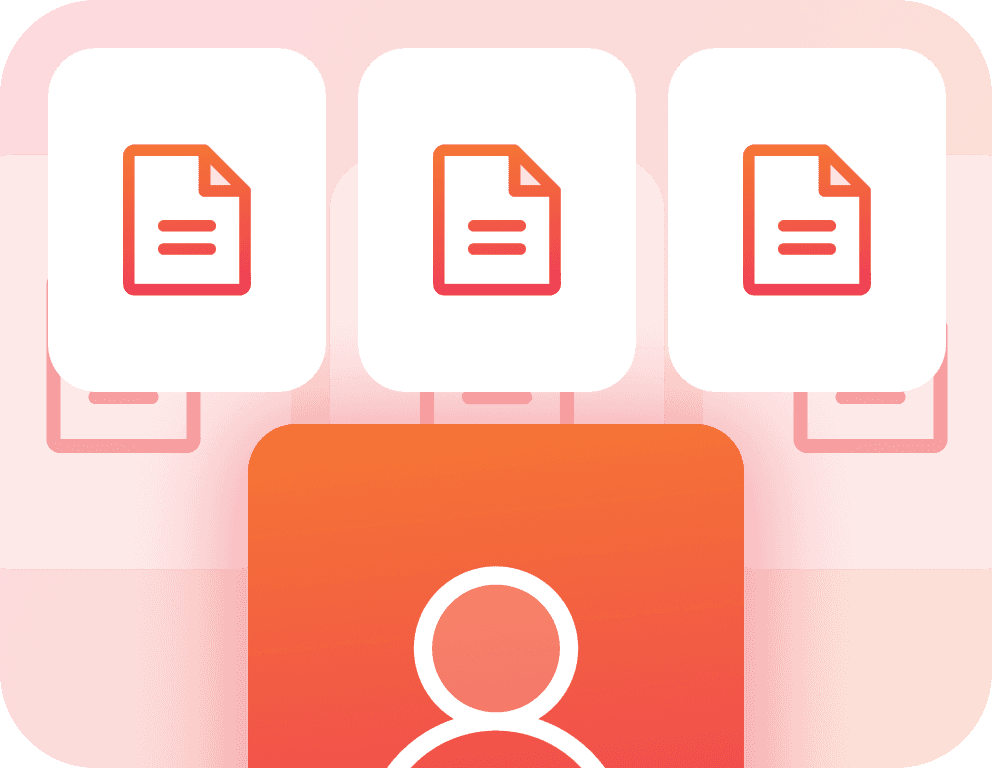
    Every signed document is automatically stored in the worker's profile inside Roosted. No separate file cabinet, no hunting through email threads, no renaming and uploading to a shared drive.

    Every signed document is automatically stored in the worker's profile inside Roosted. No separate file cabinet, no hunting through email threads, no renaming and uploading to a shared drive.

  2. A Clean Audit Trail, Built In

    For industries with audit requirements, this matters. Having signed documents attached to worker records in the same system that manages their shifts and hours creates a clean audit trail. When a client or regulator asks for documentation, it's one click away.

    For industries with audit requirements, this matters. Having signed documents attached to worker records in the same system that manages their shifts and hours creates a clean audit trail. When a client or regulator asks for documentation, it's one click away.

  3. Legally Binding by Default

    Every signature collected through Roosted is legally binding under the ESIGN Act and UETA. Full audit trails are captured, including timestamps and verification data, so you have the documentation you need if questions come up.

    Every signature collected through Roosted is legally binding under the ESIGN Act and UETA. Full audit trails are captured, including timestamps and verification data, so you have the documentation you need if questions come up.

  4. Enterprise-Grade Security

    Roosted is designed to support compliance with SOC 2, GDPR, and HIPAA frameworks. Your documents and worker data are protected with the same security standards that govern the rest of the platform.

    Roosted is designed to support compliance with SOC 2, GDPR, and HIPAA frameworks. Your documents and worker data are protected with the same security standards that govern the rest of the platform.

What You Can Sign

What You Can Sign

Roosted's e-signing handles any document you'd normally collect a signature on:

Roosted's e-signing handles any document you'd normally collect a signature on:

  1. Employment and tax forms

    W-4, I-9, state tax withholding forms, direct deposit authorizations.

  2. Legal and compliance

    NDAs, non-competes, arbitration agreements, HIPAA acknowledgments, background check authorizations.

  3. Operational

    Safety waivers, dress code agreements, uniform/equipment liability forms, parking and venue-specific acknowledgments.

  4. Policy and training

    Employee handbook acknowledgments, code of conduct agreements, harassment prevention policy confirmations, food safety certifications for catering teams.

If it needs a signature, you can build a template for it and send it through Roosted.

If it needs a signature, you can build a template for it and send it through Roosted.

How Teams Are Using It

How Teams Are Using It

  1. Event staffing

    Contractor agreements and liability waivers signed before the first shift starts. No more chasing paperwork on event day.

    Security companies

    Licensing acknowledgments and policy updates rolled out across the entire team in minutes. Track completion without spreadsheets.

    Catering and hospitality

    Food safety certifications, uniform agreements, and compliance documents organized and accessible in every worker's profile.

  2. Healthcare staffing

    HIPAA acknowledgments, credentialing documents, and compliance forms managed alongside shift assignments and time tracking.

    Production and stage labor

    Crew agreements and safety protocols handled without slowing down pre-production.
FAQ

Got Questions? We've Got Answers.

Is e-signing really free with every Roosted plan?

Yes. Unlimited signatures, unlimited document storage, no per-envelope fees, and no add-ons. It's included with every Roosted subscription at no additional cost.

Do workers need to download a separate app to sign?

No. Workers sign documents directly through the Roosted mobile app they already use for shift notifications and time tracking. No additional downloads required.

Can I send documents to multiple workers at once?

Yes. Filter your workforce by group, tag, or any criteria, select the workers you need, and send one or multiple templates to everyone simultaneously.

Are signatures legally binding?

Yes. Signatures collected through Roosted are legally binding under the ESIGN Act and UETA. Full audit trails with timestamps and verification data are captured for every document.

Where are signed documents stored?

Signed documents are automatically stored in each worker's profile inside Roosted. No manual filing required. Documents are accessible anytime from the worker's record.

Can I require multiple signers on a document?

Yes. When building a template, you can require signatures from HR staff, managers, or third parties in addition to the worker, ensuring all necessary approvals are captured.

What file formats can I upload as templates?

Upload any PDF to create a template. From there, drag and drop signature fields, date fields, initials, and text boxes wherever you need them.

Every signature your staffing company needs, collected and stored in the same platform where you schedule shifts and track hours. No extra tools, no extra cost.

FAQ

Got Questions? We've Got Answers.

Is e-signing really free with every Roosted plan?

Yes. Unlimited signatures, unlimited document storage, no per-envelope fees, and no add-ons. It's included with every Roosted subscription at no additional cost.

Do workers need to download a separate app to sign?

No. Workers sign documents directly through the Roosted mobile app they already use for shift notifications and time tracking. No additional downloads required.

Can I send documents to multiple workers at once?

Yes. Filter your workforce by group, tag, or any criteria, select the workers you need, and send one or multiple templates to everyone simultaneously.

Are signatures legally binding?

Yes. Signatures collected through Roosted are legally binding under the ESIGN Act and UETA. Full audit trails with timestamps and verification data are captured for every document.

Where are signed documents stored?

Signed documents are automatically stored in each worker's profile inside Roosted. No manual filing required. Documents are accessible anytime from the worker's record.

Can I require multiple signers on a document?

Yes. When building a template, you can require signatures from HR staff, managers, or third parties in addition to the worker, ensuring all necessary approvals are captured.

What file formats can I upload as templates?

Upload any PDF to create a template. From there, drag and drop signature fields, date fields, initials, and text boxes wherever you need them.

Every signature your staffing company needs, collected and stored in the same platform where you schedule shifts and track hours. No extra tools, no extra cost.

FAQ

Got Questions? We've Got Answers.

Is e-signing really free with every Roosted plan?

Yes. Unlimited signatures, unlimited document storage, no per-envelope fees, and no add-ons. It's included with every Roosted subscription at no additional cost.

Do workers need to download a separate app to sign?

No. Workers sign documents directly through the Roosted mobile app they already use for shift notifications and time tracking. No additional downloads required.

Can I send documents to multiple workers at once?

Yes. Filter your workforce by group, tag, or any criteria, select the workers you need, and send one or multiple templates to everyone simultaneously.

Are signatures legally binding?

Yes. Signatures collected through Roosted are legally binding under the ESIGN Act and UETA. Full audit trails with timestamps and verification data are captured for every document.

Where are signed documents stored?

Signed documents are automatically stored in each worker's profile inside Roosted. No manual filing required. Documents are accessible anytime from the worker's record.

Can I require multiple signers on a document?

Yes. When building a template, you can require signatures from HR staff, managers, or third parties in addition to the worker, ensuring all necessary approvals are captured.

What file formats can I upload as templates?

Upload any PDF to create a template. From there, drag and drop signature fields, date fields, initials, and text boxes wherever you need them.

Every signature your staffing company needs, collected and stored in the same platform where you schedule shifts and track hours. No extra tools, no extra cost.

Smart scheduling
for teams.

Fast, seamless, and built for on-demand healthcare & clinical staffing.

Smart scheduling
for teams.

Fast, seamless, and built for on-demand healthcare & clinical staffing.

Smart scheduling
for teams.

Fast, seamless, and built for on-demand healthcare & clinical staffing.