Event Staff App: What to Actually Look For
Most event staff apps just digitize a schedule. Here's what actually separates a real on-demand staffing platform, and what to look for before you buy.
If you run events, catering, security, or stage crews, you've probably typed "event staff app" into Google at least once while trying to fix a scheduling mess. Most of what comes back is a spreadsheet replacement with a calendar view and a chat feature bolted on. That solves the problem of where the schedule lives. It doesn't solve the harder problem: getting the right, qualified worker to the right shift, verifying they actually showed up and worked the hours, and staying on the right side of labor law while you do it.
Here's what separates a real on-demand staffing platform from a basic scheduling app, and what to look for before you commit to one.
What People Actually Need From an Event Staff App
Event staffing isn't a fixed roster working the same shifts every week. Your labor pool shifts by event, by skillset, by location, and often by the hour. A security company might need three licensed guards for a Friday load-in and eight for a Saturday show. A catering company might need bartenders in one city and banquet servers in another, on the same night.
A scheduling app built for a stable, salaried workforce assumes none of that. An app built for on-demand staffing has to handle variable crews, last-minute changes, and workers who may be splitting time across multiple clients or gigs.
Where Most Event Staff Apps Fall Short
Search for "event staff app" and you'll mostly find two kinds of results: general-purpose scheduling tools with an events use case tacked on, and niche apps that handle posting shifts and letting workers claim them. Both tend to stop at the calendar.
What's missing is usually the same three things:
No real matching logic. Shifts get posted, and someone still has to manually check who's qualified, available, and nearby before assigning them.
No verified time tracking. Clock-in happens on the honor system or through a basic mobile punch, with no way to confirm the worker was actually on-site.
No compliance layer. Overtime rules, break requirements, and multi-state labor law are left entirely to the operator to track by hand.
For a company running a handful of shifts a month, that might be manageable. For a company running dozens of events with a rotating crew, it's where things break.
What to Actually Look For
Before picking an event staff app, run it against this checklist.
Smart shift matching
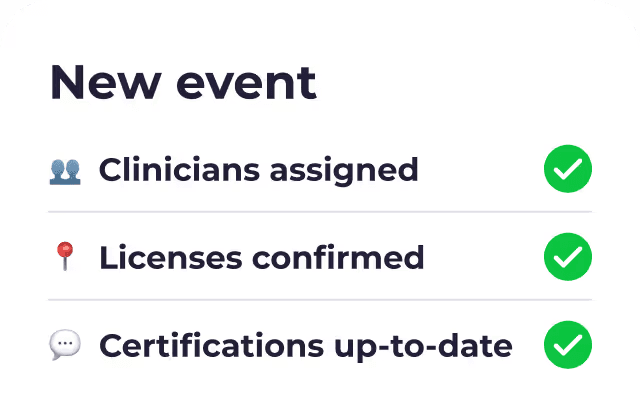
The app should do more than list open shifts. It should be able to auto-assign the best-qualified worker to each shift based on skillset, availability, and location, cutting down the manual back-and-forth of checking who can actually work it. Roosted's patented AI handles this matching automatically instead of leaving it to a scheduler with a spreadsheet open in another tab.
A time clock built for real rules, not just a punch button
GPS-verified clock-in and clock-out is table stakes. What matters more is whether you can configure the rules behind the numbers: break enforcement, rounding, overtime thresholds, and how a raw punch turns into paid time, with a full audit trail showing both the original punch and the final calculated hours. Roosted lets you adjust calculated time directly for a bonus, a penalty, or an automatic correction, without losing the original record, so when a client or worker asks why a timesheet looks the way it does, you have the answer instead of a guess.
Real-time communication built in
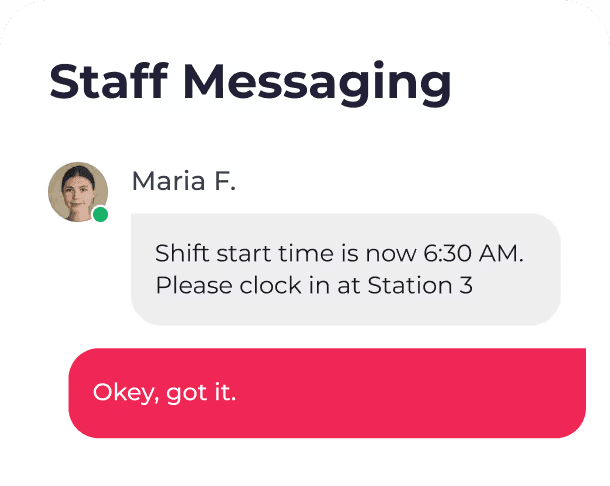
Shift details, updates, and confirmations should reach workers automatically, not through a group text thread. This is one of the biggest time sinks in event staffing: platforms that handle it well cut scheduling back-and-forth by 80% or more.
Compliance you don't have to track manually
Overtime calculations, break requirements, and wage and hour rules get complicated fast once you're staffing across multiple states or clients. An app built for on-demand staffing should be designed to help you comply with FLSA and other wage and hour rules, not leave you tracking them in a separate spreadsheet.
Payroll integration and e-signing
Approved hours should flow directly into payroll without manual re-entry. And every event requires paperwork, NDAs, waivers, W-4s. Look for e-signing built into the platform instead of a separate DocuSign subscription.
How Roosted Handles It
Roosted was built specifically for companies with flexible, on-demand staffing, not adapted from a tool designed for fixed schedules. The patented AI behind Smart Shift Matching auto-assigns workers based on skillset, availability, and location. The mobile time clock is GPS-verified and generates timesheets automatically. Real-time communication handles shift confirmations and updates without the manual chasing. Wage and hour compliance is built into how the platform calculates overtime and breaks. And every plan includes free, unlimited e-signing, so onboarding paperwork doesn't require a separate tool.
If you want the fuller picture of how the matching engine works, we've written about the system in more detail.
Getting Started
If you're evaluating event staff apps right now, the fastest way to tell them apart is to ask what happens after the shift gets posted. If the answer is "a manager has to figure out who to assign," you're looking at a scheduling app. If the answer is "the system matches and confirms the right worker automatically," you're looking at a staffing platform built for how on-demand teams actually work.
Get Started with Roosted to see how it handles matching, time tracking, and compliance for your next event.