How Roosted's Activity Log Gives You Full Visibility Into Every Workforce Action
Track every scheduling action with Roosted's Activity Log. Give clients visibility, create custom log actions, and build a complete audit trail.
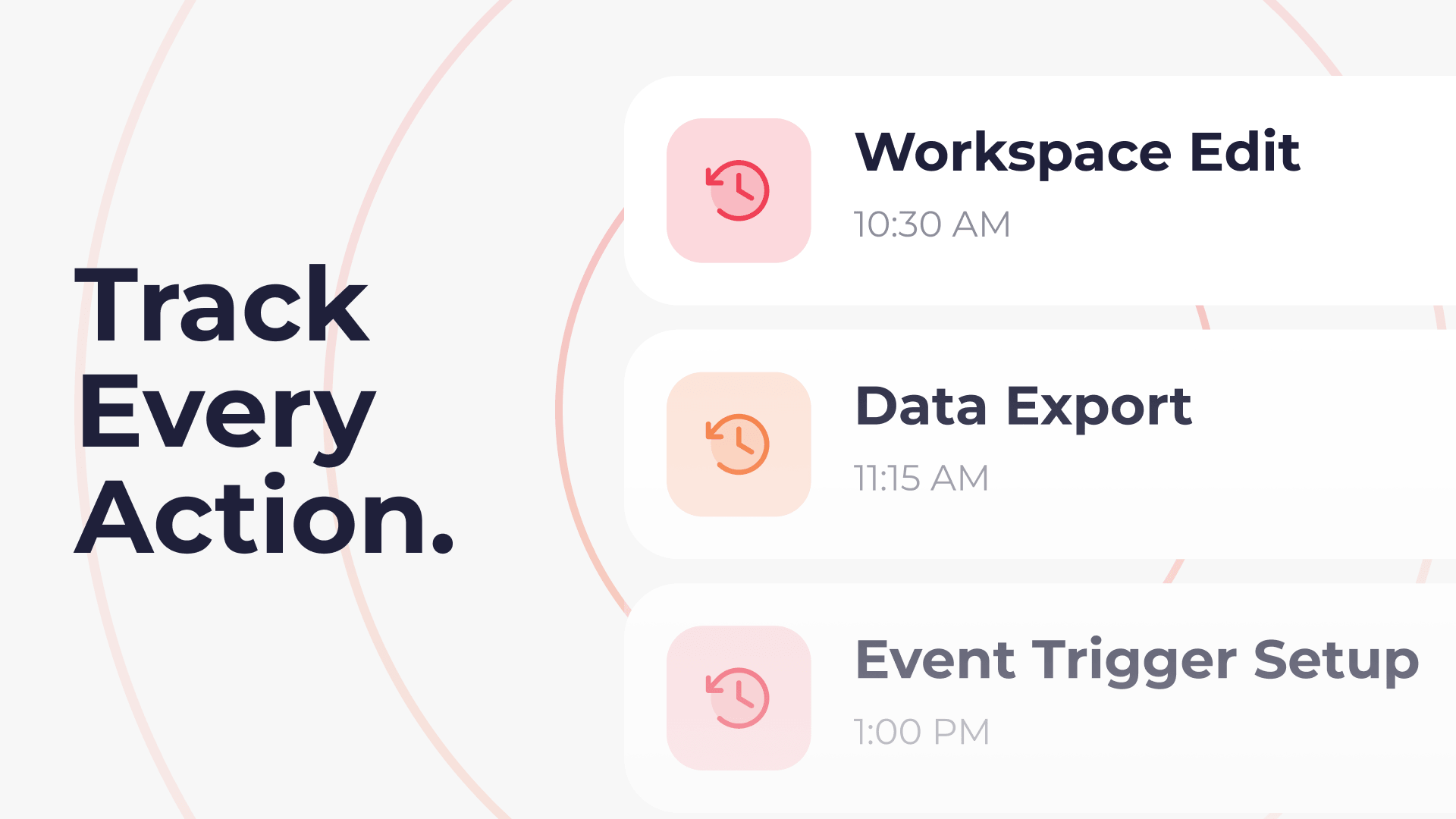
Scheduling changes happen fast in on-demand staffing. A shift gets reassigned, a client's billing info is updated, a last-minute venue change comes through over the phone. The decisions are sound, but the context behind them ends up scattered across Slack threads, email chains, and people's memories. When something needs to be revisited, the team spends more time reconstructing what happened than actually resolving the issue.
Roosted's Activity Log solves this by giving operations teams a single, chronological record of every action tied to their workforce, both system-generated and manually documented. It's built from two companion features: the Client Activity Log and Custom Activity Log Actions. Together, they create a complete audit trail that lives where the work happens.
The Problem With Scattered Records in On-Demand Staffing
Most staffing companies have a version of the same problem. The platform tracks some things automatically (shift assignments, clock-ins, schedule changes), but a significant portion of operational activity happens outside the system entirely. A coordinator calls a client to confirm event details. A manager follows up with a worker about a missed shift. Someone sends a last-minute email about a location change.
None of that gets documented unless someone deliberately writes it down, and even then, it usually ends up in a place nobody else can find. The result is an incomplete picture of what actually happened with any given client, worker, or event. That gap creates problems during client reviews, payroll disputes, compliance checks, and team handoffs.
For companies managing relationships across dozens of clients and hundreds of workers, this isn't a minor inconvenience. It's an operational blind spot.
Client Activity Log: A Full Timeline for Every Client Relationship
The Client Activity Log is a dedicated chronological record inside each client's dashboard. It tracks every system-level change tied to that client automatically, including when the client was first set up, any updates to contact information or billing details, changes to service agreements, and modifications to job assignments or shift allocations. Every entry is timestamped, so the team can see exactly what changed and when.
Admins can also add comments directly in the log to leave internal context for the team. If a billing adjustment was made because of a conversation with the client, that note lives right next to the system record of the change. No digging through email to reconstruct the reasoning.
This is the screen you pull up before a client review meeting, when troubleshooting a billing question, or when a new account manager needs to get up to speed on a relationship. Instead of asking three people what happened with this client last month, the answer is already there.
See It in Action: Client Activity Log
Custom Activity Log Actions: Track What Happens Off-Platform
The Client Activity Log handles what the system tracks automatically. Custom Activity Log Actions handle everything else.
These let admins log any action that happens outside Roosted directly onto worker and event records. You click "Add Log" on a record, select or type your custom action ("Called Client," "Sent Follow-Up Email," "Coordinated Venue Change"), add notes, and save. The entry appears in the activity timeline alongside system-generated records, so the full picture lives in one place.
Some practical examples of when this matters:
You called a client to get additional details for an upcoming event. Log it on the event record so the rest of the team sees the context.
A worker missed a shift and you followed up by phone. Log the conversation on their worker record so it's documented if the pattern continues.
A last-minute venue change came through over text. Log the coordination on the event record so anyone checking the details later knows what happened and why.
You sent a follow-up email about a worker's expiring certification. Log it so there's a record of the outreach if compliance questions come up.
The action types are user-defined, so teams can create categories that match their actual workflows. Each entry includes the action type, notes, and a timestamp.
See It in Action: Custom Activity Log Actions
Why This Matters for Compliance and Accountability
An activity log is, at its core, an audit trail. For companies operating in regulated environments or managing complex client relationships, having a timestamped record of every action, both automatic and manual, provides meaningful protection.
During a client dispute, you can point to the exact sequence of changes and communications. During an internal review, you can verify that follow-ups actually happened. During a compliance check, you have documentation that supports your processes without having to piece it together from five different sources.
Roosted is designed to support compliance with frameworks like FLSA and aligns with standards including HIPAA and SOC 2. The Activity Log extends that compliance posture by giving teams a way to document the operational context that surrounds their scheduling and workforce management decisions.
This is especially valuable for staffing companies that serve clients in healthcare, security, or events, industries where documentation and accountability aren't optional. If you're building your compliance foundation, centralized activity logging is a meaningful piece of the puzzle.
Getting Started With Activity Logs in Roosted
Both features are available now for all Roosted customers.
The Client Activity Log lives in the client dashboard as a dedicated menu item. Open any client record and you'll see the full chronological timeline, plus the option to add comments for internal context.
Custom Activity Log Actions are accessible from worker records and event records. Click "Add Log," choose or create your action type, add notes, and save. The entry joins the activity timeline immediately.
There's no setup required and no additional cost. If you're already on Roosted, both features are ready to use. If you're evaluating platforms and centralized activity tracking is on your requirements list, this is worth a look.
For more on what Roosted covers and how the platform works, check out the top 10 questions asked in a demo or explore scheduling best practices for on-demand teams.